Coding Coach
The Coding Coach is Codivise’s technical practice hub. One place for algorithms, system design, and real-world debugging—with AI feedback at every step. Integrated with the Architecture Simulator so you can design and simulate in the same flow.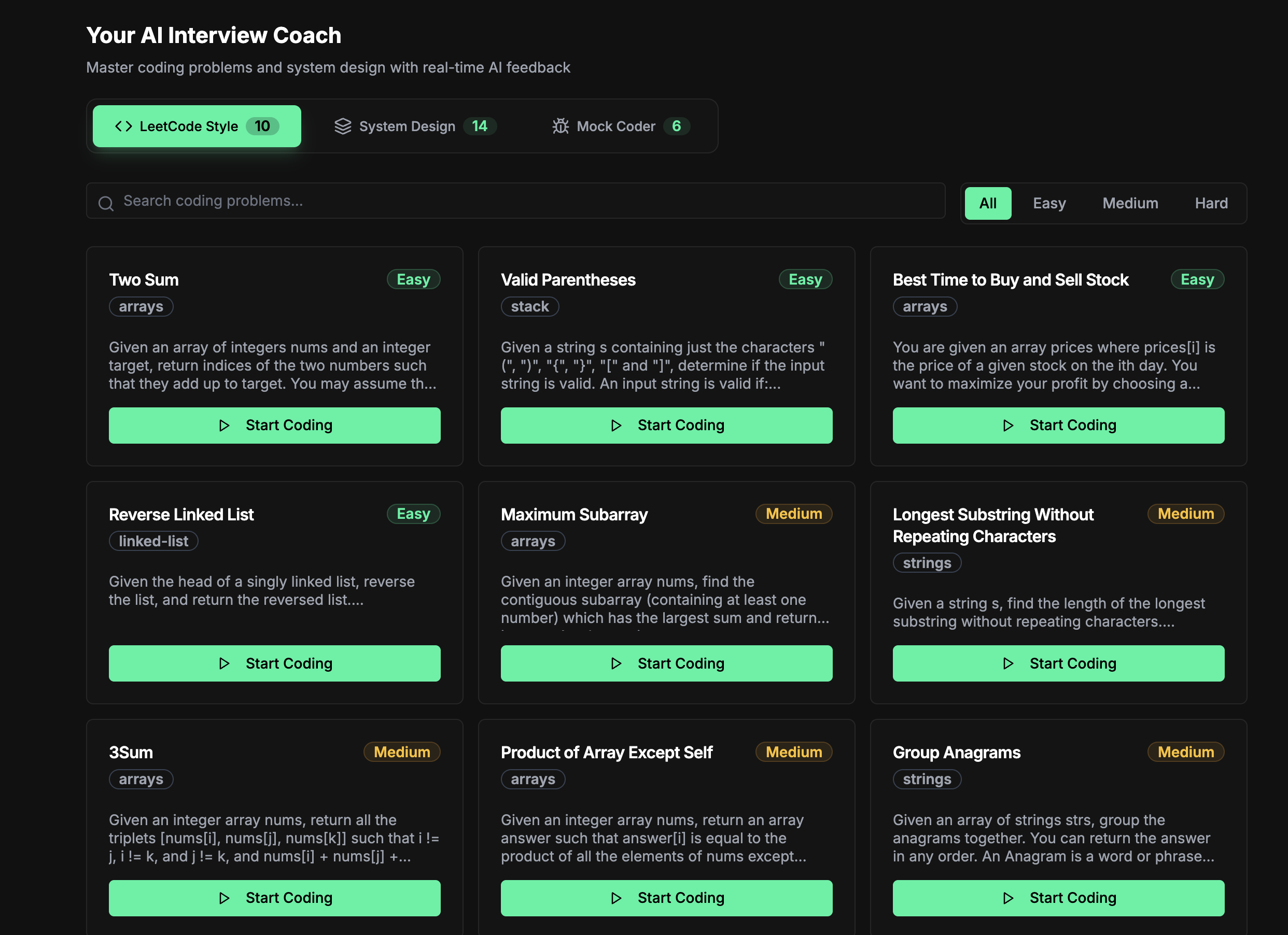
Modes
Algorithms
- LeetCode-style problems with real-time AI hints
- Submit for feedback and performance analysis
- Track progress and identify improvement areas
System Design
- Structured system design challenges
- AI architectural guidance
- Open the Architecture Simulator to build and simulate your design visually
Mock Coder
- Debug real-world code like in FAANG interviews
- Find and fix bugs in provided codebases
- Time-boxed sessions to mimic interview pressure
Getting Started
- Go to Coding Coach in the sidebar (route:
/coding-coach) - Select Algorithms, System Design, or Mock Coder
- Pick a problem and start
- Use AI hints when stuck
- Submit for feedback
Architecture Simulator Integration
From Coding Coach, open System Design Simulator to build visual architectures for your chosen task. Diagrams are saved per task and can be loaded later.Related
- Architecture Simulator — Visual system design playground
- AI Tutor Chat — Conversational learning